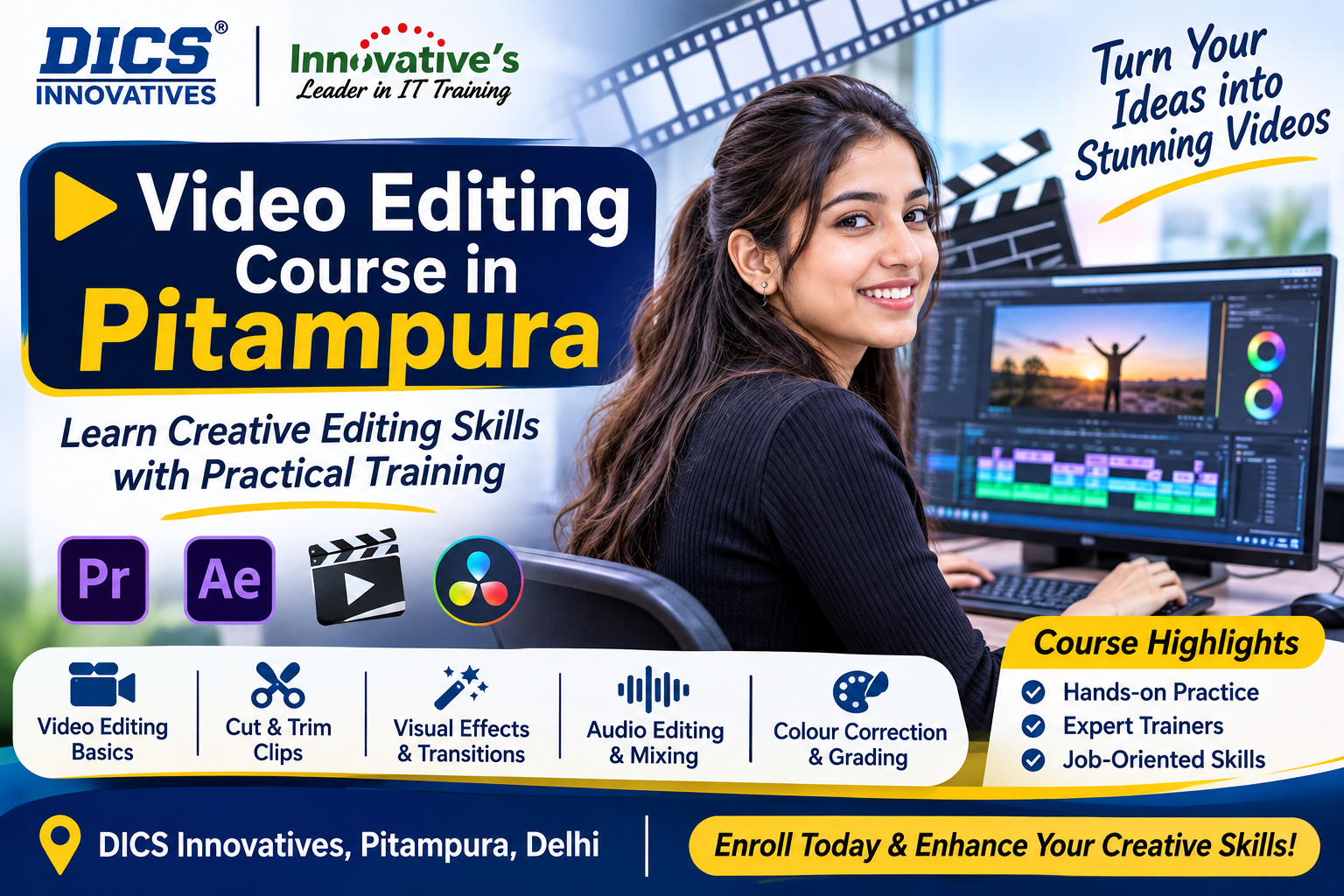
Video content has become an important part of digital communication. From YouTube videos and Instagram Reels to business advertisements, educational content, and promotional campaigns, professionally edited videos help deliver information in an engaging way. As the demand for visual content continues to grow, video editing has become a useful creative and technical skill for students, beginners, and working professionals.
If you enjoy working with videos, graphics, transitions, and visual storytelling, learning professional editing techniques can help you explore different creative opportunities. Enrolling in a Video Editing Course in Pitampura can be a good starting point to understand editing software, improve your creative approach, and learn how to transform raw footage into polished video content.
Why Is Video Editing an Important Skill Today?
Video editing is no longer limited to film production or television. Businesses, educational platforms, content creators, digital marketing agencies, and social media professionals regularly use video content to communicate with their audiences.
A well-edited video combines multiple elements, including footage, sound, text, graphics, transitions, and visual effects. The editor brings these elements together to create a smooth and meaningful viewing experience.
Learning video editing can help you understand how to organise footage, remove unnecessary scenes, improve video quality, add background music, and create content suitable for different platforms. Whether you want to create social media videos, promotional advertisements, short films, or educational tutorials, editing knowledge can support your creative projects.
What Will You Learn in a Video Editing Course?
A structured video editing programme should introduce learners to the complete editing process, beginning with basic concepts and gradually moving towards more advanced techniques.
Here are some important areas that learners can explore during video editing training.
1. Understanding Video Editing Fundamentals
Start with the basics of video editing, including video formats, resolution, frame rates, aspect ratios, and timeline organisation. These concepts help you understand how video projects are structured.
2. Editing Software and Tools
Learn how professional editing applications work, including their interfaces, panels, editing timelines, and essential tools. Understanding software functionality makes it easier to manage different editing tasks.
3. Cutting, Trimming, and Arranging Clips
Learn how to select useful footage, remove unwanted portions, arrange clips, and maintain a logical sequence. These techniques form the foundation of almost every video editing project.
4. Transitions and Visual Effects
Explore different transitions and visual effects to make videos more engaging. Learn when and how to use these elements without making the final video look overcrowded.
5. Audio Editing and Background Music
Audio plays an important role in video quality. Understand how to adjust sound levels, remove unwanted audio, add background music, and synchronise sound with video footage.
6. Text, Titles, and Motion Graphics
Learn to add titles, subtitles, lower thirds, animated text, and basic motion graphics. These elements help present information clearly and improve the overall appearance of videos.
7. Colour Correction and Colour Grading
Understand how to adjust brightness, contrast, saturation, and colour balance. Learn how colour correction improves footage and how colour grading creates a particular visual mood.
8. Exporting and Rendering Videos
Learn how to export completed projects using suitable formats, resolutions, and settings for different platforms, including YouTube and social media.
Explore Different Types of Video Editing Projects
Video editing skills can be applied to various types of content. Working on different projects helps learners understand how editing requirements change according to the purpose and audience of a video.
Some popular video formats include:
YouTube Videos: Editing introductions, tutorials, vlogs, interviews, and educational content.
Instagram Reels: Creating short-form videos with captions, music, transitions, and engaging visuals.
Promotional Videos: Editing product demonstrations, business advertisements, and service presentations.
Corporate Videos: Preparing company introductions, training videos, and internal communication content.
Event Videos: Combining footage from birthdays, weddings, functions, and other occasions.
Educational Videos: Creating tutorials, presentations, and instructional content.
Practising different formats helps learners understand pacing, storytelling, audio selection, and platform-specific editing requirements.
How Practical Video Editing Training Improves Your Skills
Watching editing tutorials can introduce you to different tools, but working on actual projects helps you understand how those tools are used.
Practical training gives learners the opportunity to experiment with footage, create timelines, add effects, manage audio, and complete editing assignments. It also helps develop problem-solving abilities when working with different video formats and creative requirements.
During the learning process, students should focus on creating their own projects rather than only following demonstrations. A collection of completed projects can gradually become a portfolio that showcases editing abilities and creative progress.
Who Should Join a Video Editing Course?
Video editing is a creative skill that can be learned by people from different educational backgrounds. You do not need to be an experienced editor to begin learning the fundamentals.
The course can be suitable for:
- Students interested in multimedia and creative technology.
- Beginners who want to learn professional video editing.
- Social media enthusiasts interested in creating better videos.
- Content creators who want to improve their editing quality.
- Digital marketing learners who want to understand video content production.
- Working professionals interested in developing an additional creative skill.
Basic computer knowledge can make it easier to understand editing software and manage project files.
Career Scope After Learning Video Editing
Video editing knowledge can be useful across industries that regularly produce visual content. Depending on practical skills, creativity, and project experience, learners can explore different work opportunities.
Some possible career directions include Video Editor, Junior Video Editor, Social Media Video Editor, YouTube Video Editor, Multimedia Assistant, and Freelance Video Editor. Career growth depends on software knowledge, creative thinking, editing speed, communication, and the ability to work on different types of projects.
Individuals interested in independent work can also create promotional videos, social media content, and personal projects for clients. Building a strong portfolio and understanding client requirements are important steps towards developing a professional presence.
What to Consider Before Choosing a Computer Institute in Pitampura?
Selecting the right training institute is an important decision when learning a creative skill. Before enrolling, understand the course syllabus and check whether it covers the editing techniques you want to learn.
Look for an institute that provides practical software exposure, explains editing concepts clearly, and encourages learners to complete individual projects. Trainer guidance, classroom facilities, course structure, and doubt-clearing support are also useful factors to consider.
If you are searching for the Video editing training Institute in Pitampura, choose a place that offers relevant computer training programmes and provides opportunities to develop practical skills.
Learn Creative Skills at DICS Innovatives, Pitampura
DICS Innovatives offers computer and professional technology training for students and individuals interested in developing industry-relevant skills. Learners looking for creative software education can explore video editing training as part of their skill development journey.
The focus of video editing learning should be on understanding software tools, improving editing techniques, and practising different types of video projects. From arranging clips and adding transitions to working with audio and exporting completed videos, these skills help learners understand the complete editing workflow.
DICS Innovatives is located in Pitampura, Delhi, and provides a learning environment for individuals interested in computer education and practical technology skills.
If you want to develop your creative abilities and understand professional video editing techniques, exploring a structured video editing programme can be a useful next step.
Frequently Asked Questions (FAQs)
1. Which institute offers a video editing course in Pitampura?
DICS Innovatives in Pitampura offers computer and technology training. Interested learners can contact the institute to enquire about its video editing training programme.
2. Can beginners join a video editing course?
Yes, beginners can start learning video editing without prior professional experience. Basic computer knowledge is helpful for understanding software tools and editing workflows.
3. What software is used for professional video editing?
Popular video editing applications include Adobe Premiere Pro, DaVinci Resolve, and Adobe After Effects. The software used depends on the project and editing requirements.
4. How long does it take to learn video editing?
The learning duration depends on the course structure, practice time, and complexity of the techniques. Regular practice and project work help improve editing skills.
5. What topics are covered in video editing training?
Video editing training generally includes clip arrangement, trimming, transitions, audio editing, text animation, colour correction, visual effects, and video exporting.
6. Is video editing a good skill for content creators?
Yes, video editing helps content creators produce engaging videos for YouTube, Instagram, and other digital platforms while improving their control over visual storytelling.
7. Can I work as a freelance video editor after training?
Yes, learners can explore freelance projects after developing sufficient editing skills and building a portfolio. Practical experience and client communication are also important.
8. Where is DICS Innovatives located in Pitampura?
DICS Innovatives is located at FD-1, 2nd Floor, above ICICI Bank, near Madhuban Chowk Metro Station, Pitampura, Delhi – 110034.